Fingerprint.to
Searches a username, email, or phone across 700+ public platforms and streams matching profiles as they come in.

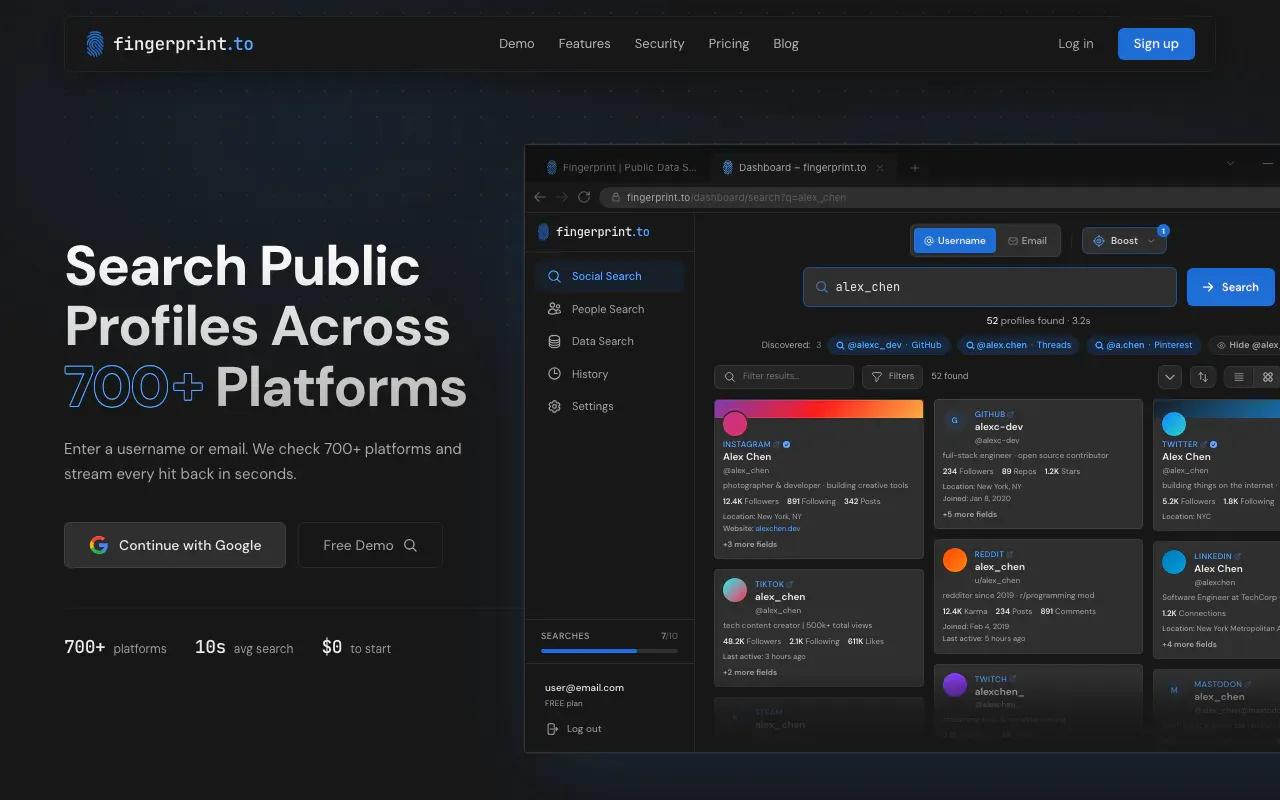
- Type
- Web app
- Price
- Freemium
- Setup
- Easy to use
Fingerprint.to is a public-data search engine. You pick a lookup type (username, email, or phone), enter the value, and it checks 700+ platforms in parallel. Confirmed profiles stream onto the page as each source answers. A separate People Search looks up names in public-record providers. That one needs an account.
There is no install. The first username, email, or phone search can be run without creating an account or putting in a card.
Why it is a Gem
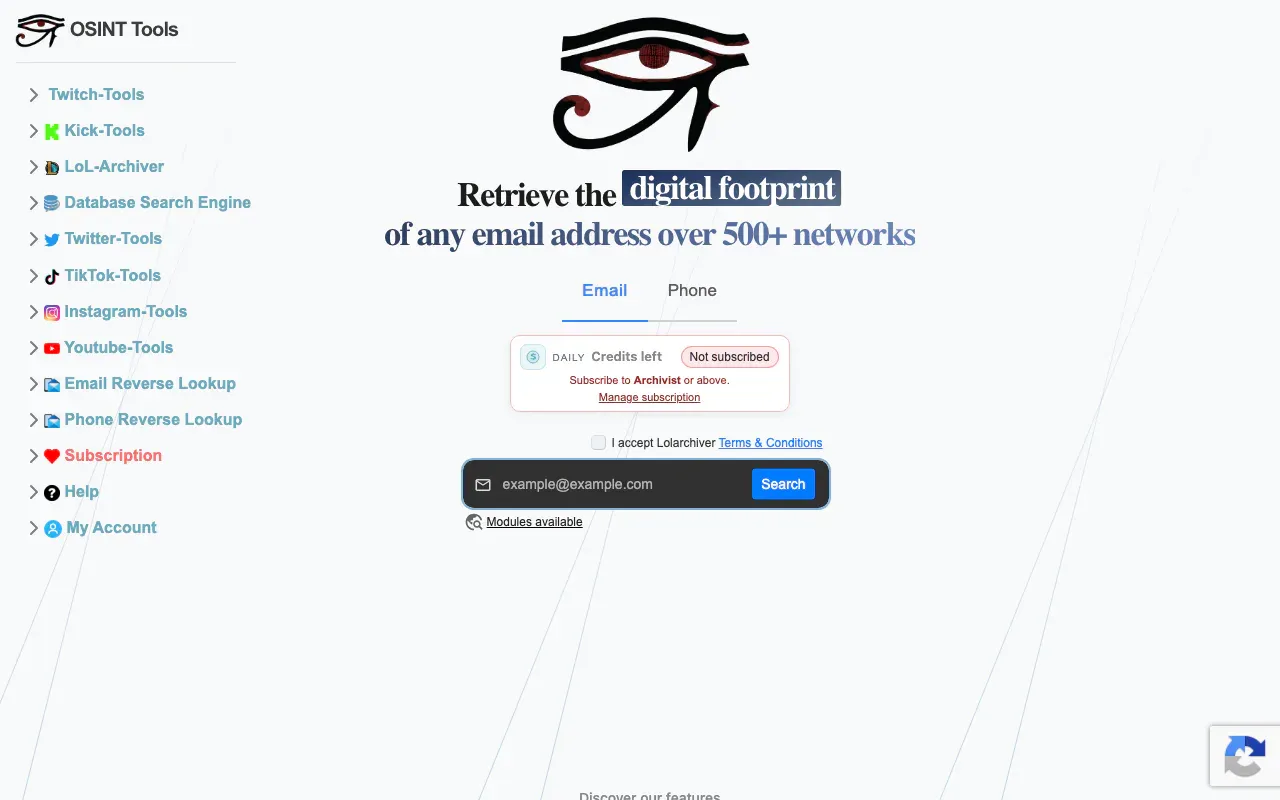
Sherlock, Blackbird, and a dozen browser tabs will get you some of the same hits. They will also cost you an afternoon, a Python environment, and a pile of 404s from sites that changed their HTML last month. Fingerprint collapses that collection step into one query and shows the public fields each platform actually returned: bio, followers, join date, location, outbound links.
I pay for that. The free demo is enough to see whether the tool is alive. A free account adds a monthly allowance and search history. Pro is $30 a month for 500 tokens. Max is $100 a month for 2,500 tokens and Deep Search. Enterprise is custom. A standard search costs one token. Deep Search adds a token per depth level, and the button shows the cost before you start. Failed or cancelled searches give the tokens back.
$30 is a lot for a hobbyist. It is cheap for anyone who does username work every week. That is the trade this site is built around.
Fingerprint is also clear about what it refuses to be. It is operated by Fingerprint Technologies LLC in Wyoming. It does not compile a warehouse of people to resell. Results are read live from the source platforms. If a profile is deleted tomorrow, tomorrow’s search should miss it. The terms ban FCRA uses. Email opt-out is a code sent to the inbox, and it blocks new searches for that address.
How a search behaves
Social Search is the main loop. Email hits often come back with usernames attached, and those handles can be dropped straight into another username sweep. The UI has table and card views, filters, and (on paid plans) exports to CSV, JSON, and text. The homepage shows per-platform HTTP endpoints. The pricing page still lists API access as coming soon on Enterprise.
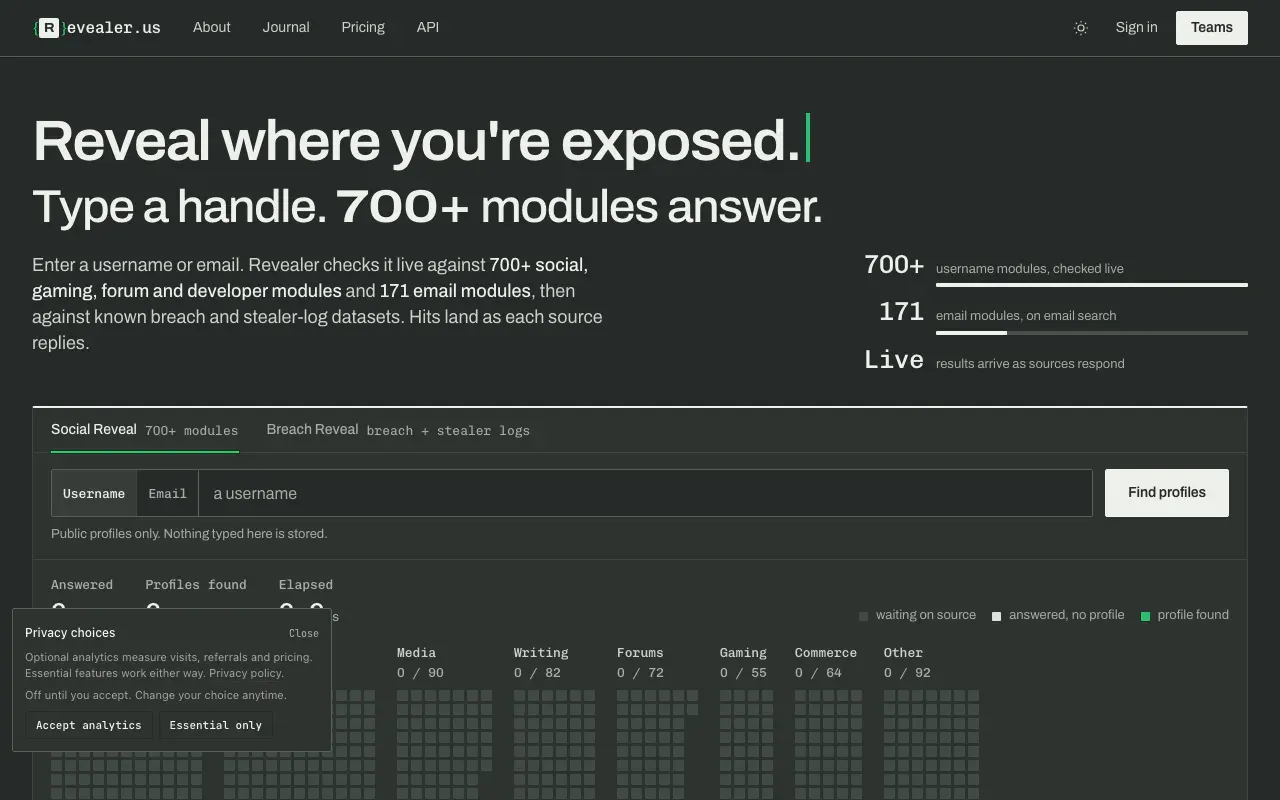
They say they do not store the findings as an archive. The query and a result count can land in your history. History can be switched off. That is different from Revealer, which claims to keep no history at all. Pick the posture you can live with.
A match is a lead. Fingerprint says so in the FAQ. Same handle on four sites is not the same person every time. Compare names, photos, bios, and outbound links before you write anything down.
When I use it
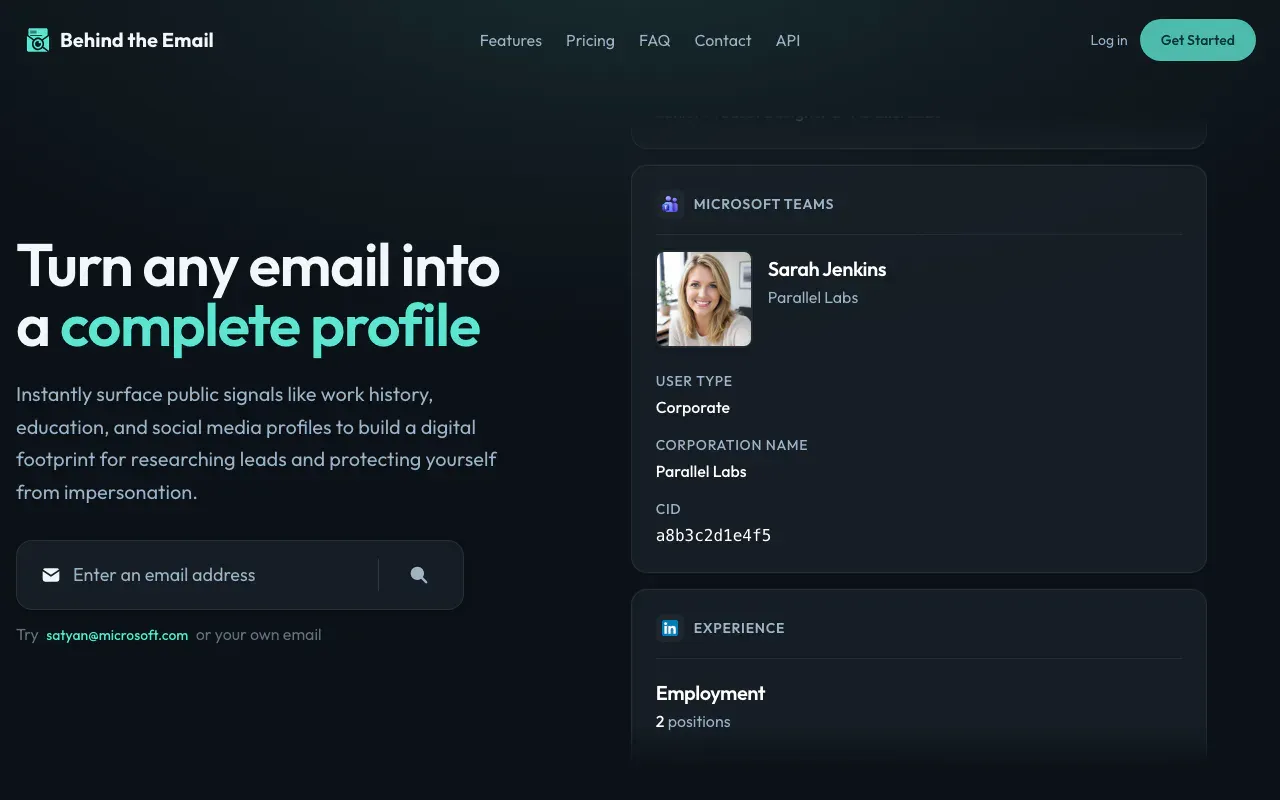
When the starting point is a handle or an email and I want live public profiles, not leak contents. I do not use it as a breach engine. I do not use People Search as a background check. If I need cited correlation across leak data as well as live profiles, I go to Revealer.US. If I need a name, job history, and education from an email, I still start with Behind the Email.