archive.today
Saves a frozen snapshot of a web page that stays available even after the original changes or goes offline.

- Categories
- Archives and Web History
- Type
- Web app
- Price
- Free
- Setup
- Easy to use
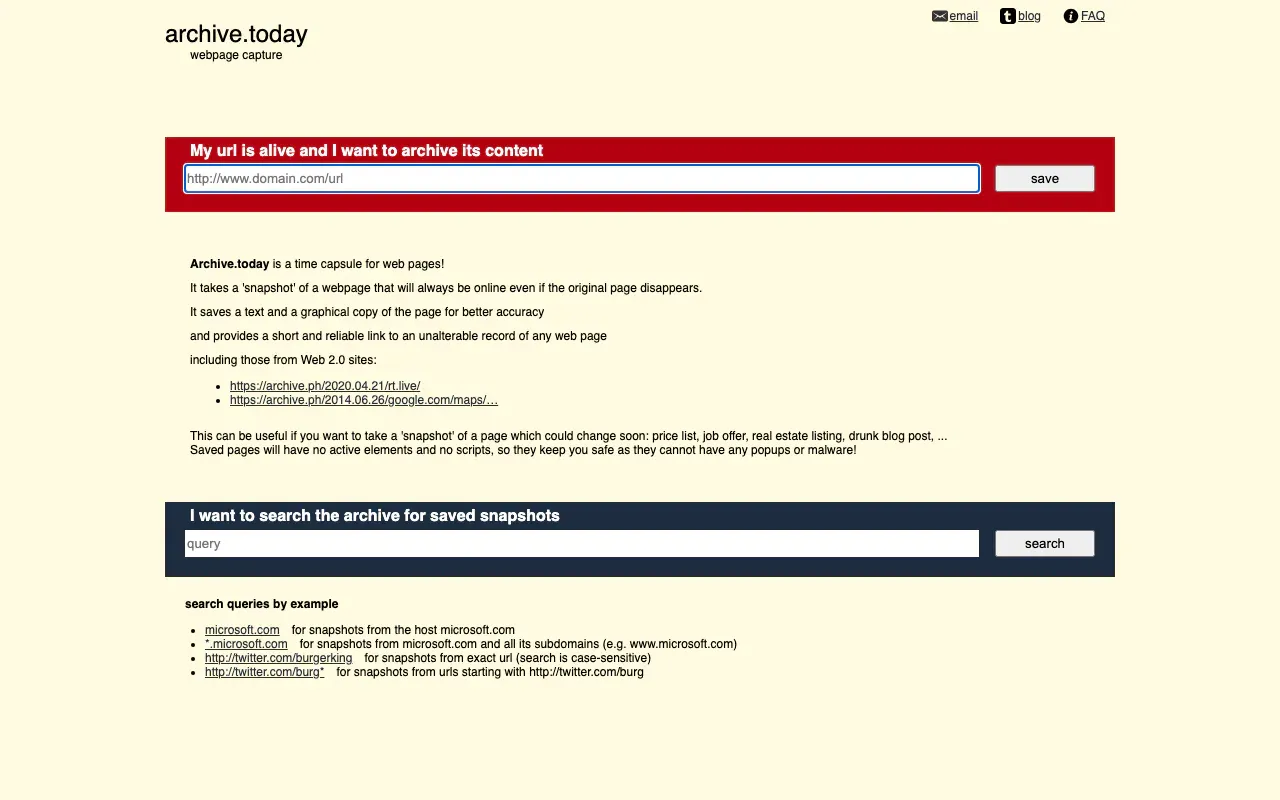
archive.today takes a snapshot of a page and keeps a text copy and a graphical copy. The result is a short, stable link to an unalterable record. The original can change, log in, or vanish. The snapshot stays. The same service answers on several hostnames (archive.ph, archive.is, and others). If one is blocked, try another.
You can search by host, by wildcard subdomain, or by a URL prefix. Saved pages have no scripts and no popups, which is a quiet security feature as well as an archival one.
Why I keep it next to Wayback
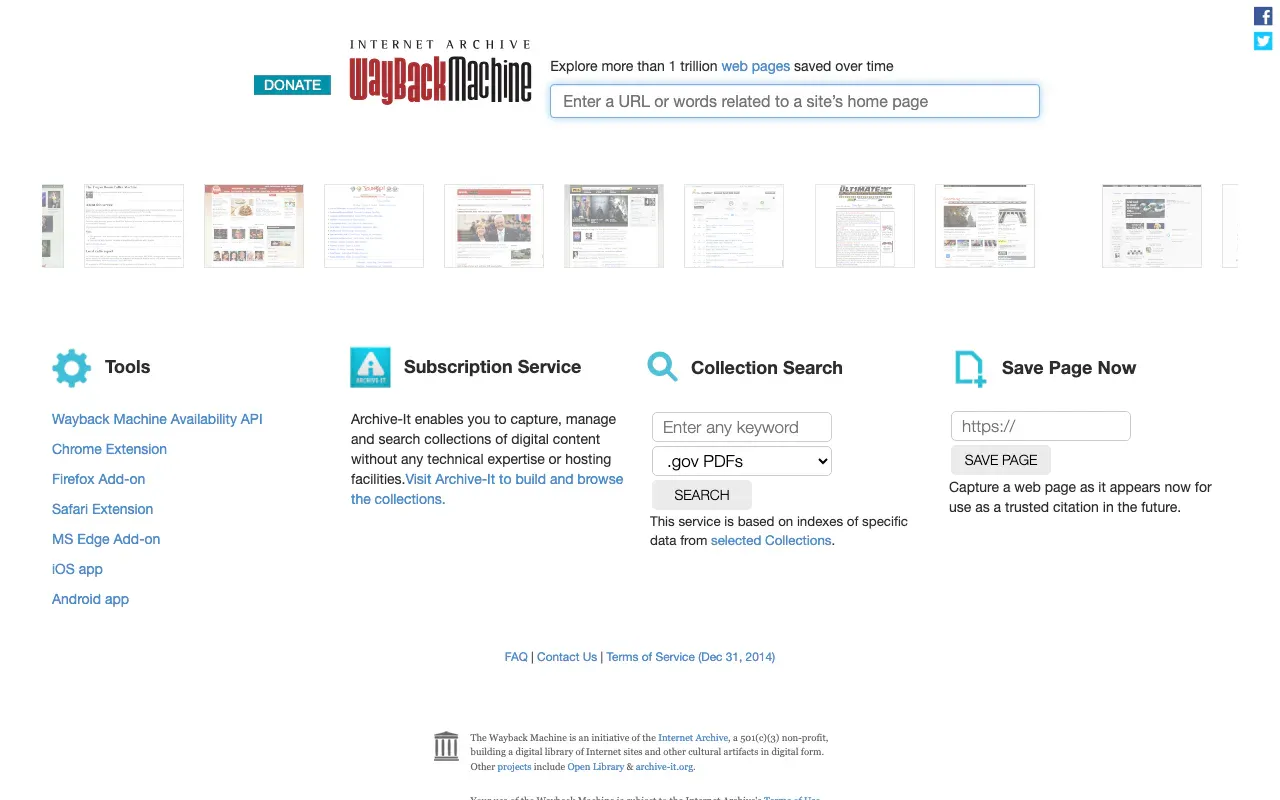
Wayback is a crawl of the web over years. archive.today is a camera you point at one URL. It is often better at pages that need a browser to render, and it is the one I use when I want a link I can paste into a note without explaining the Internet Archive calendar.
It is also picky in useful ways. A price list, a listing, a deleted social post, a press page that will be edited after the call: those are the things I snapshot on purpose. I do not try to archive the whole site.
Limits
The operator can refuse a URL. Some sites fight being captured. A snapshot is a moment, not a full site mirror, and it will miss content behind a login. Search is not Google. If you do not have the URL, start at Wayback or a search engine, then come here to freeze what you found.
Same reason as Wayback. This is plumbing. Use it constantly.